Knowledge Base
Frequently Asked Questions
Does my StroboVUE require calibration?
Unlike more modern Peterson strobes, legacy models such as the Peterson 400, 420, 450 and 700 do require occasional calibration.
If you require service, please open a support ticket and return the tuner for repair.
Was this helpful?
Help others find this information sooner.
Why did two ‘charges’ appear on my credit card when I made a purchase on the Peterson website?
The second charge is an authorization and approval which resulted in the order processing successfully.
Was this helpful?
Help others find this information sooner.
How do I read a strobe display?
Adjust your instrument until the pattern is as close to still as possible. Strobe displays are 'real-time' and extremely precise. They require very fine tuning adjustments to stop the display because the frequency/pitch of any instrument is never totally stable.
You'll quickly learn to read the display, make the most precise adjustments and appreciate the high resolution that only a Peterson provides.
Was this helpful?
Help others find this information sooner.
Is the accuracy the same for all Peterson tuners?
Was this helpful?
Help others find this information sooner.
What is my StroboVUE’s Sweetened Tunings feature all about?

Was this helpful?
Help others find this information sooner.
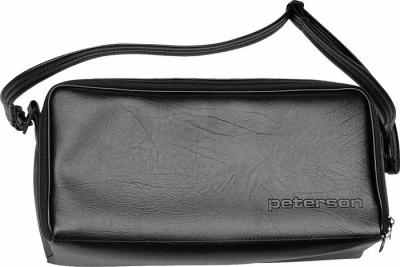
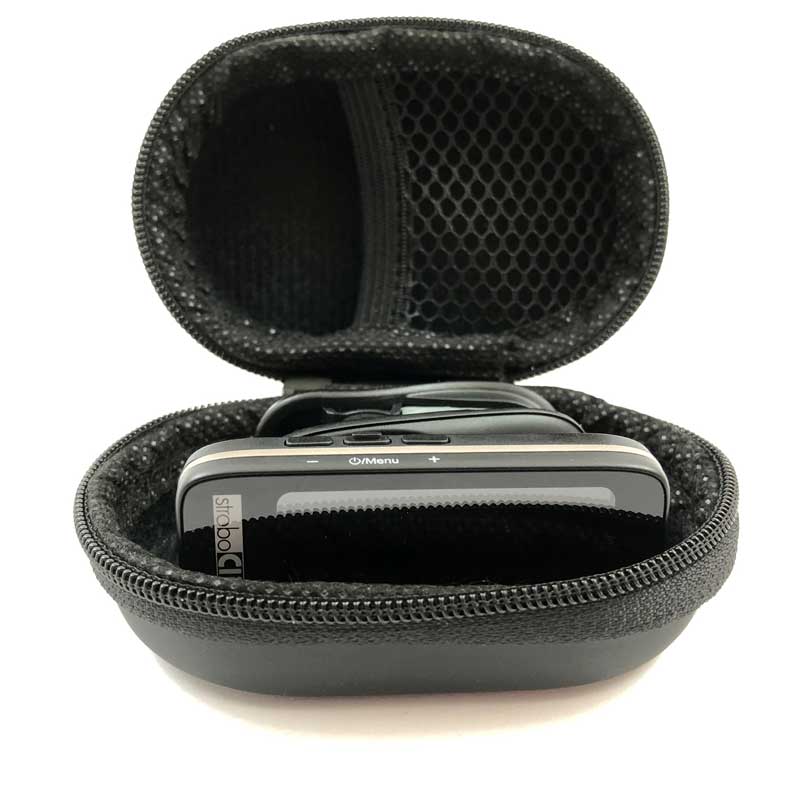
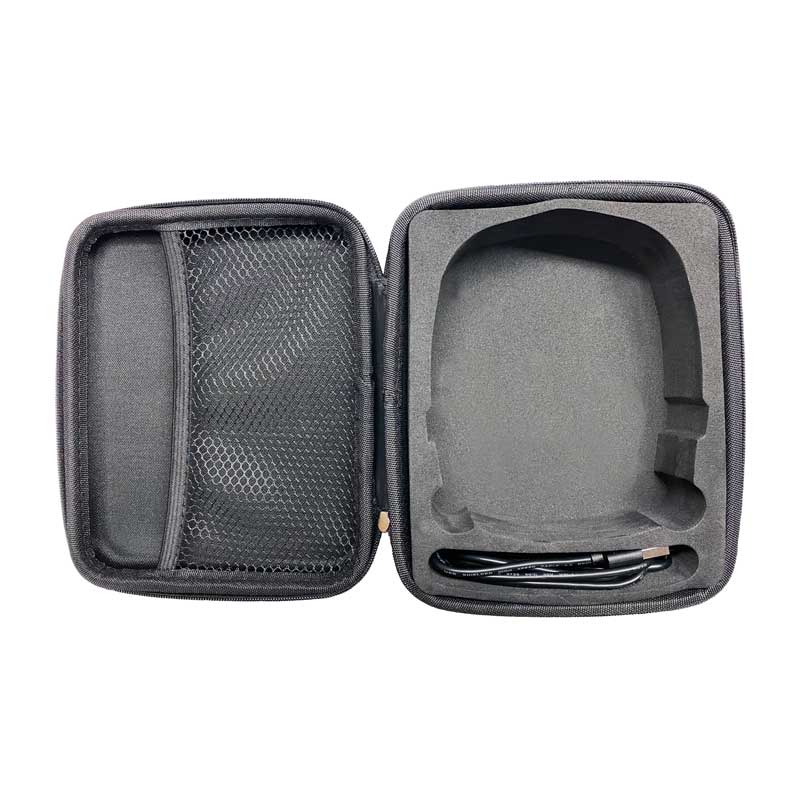
Is there a carrying case available?
Cases are available for the AutoStrobe™ line, the StroboClip HD and the StroboPLUS HD/HDC.
Was this helpful?
Help others find this information sooner.
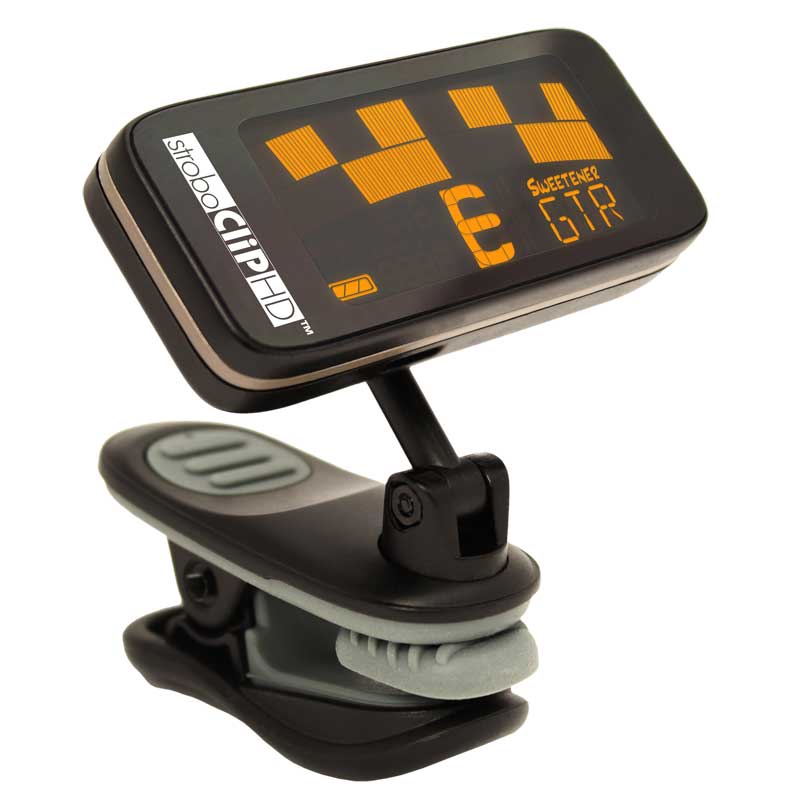
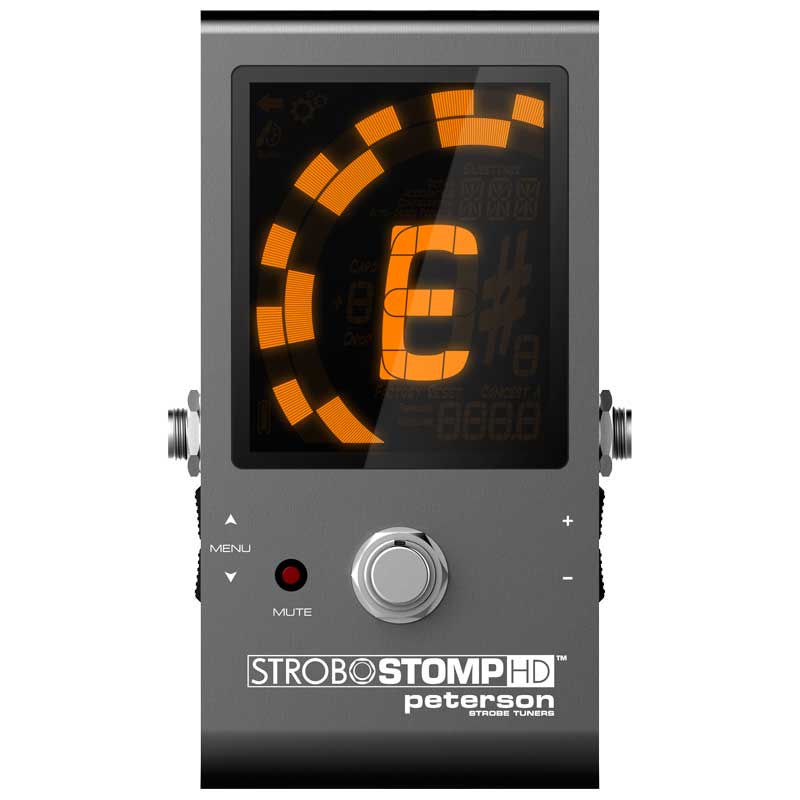
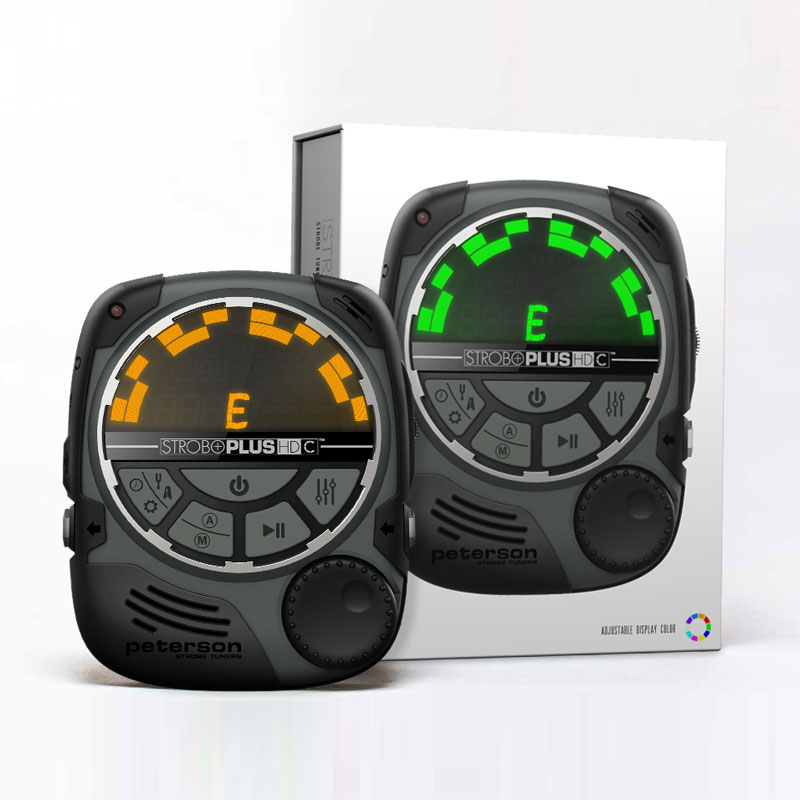
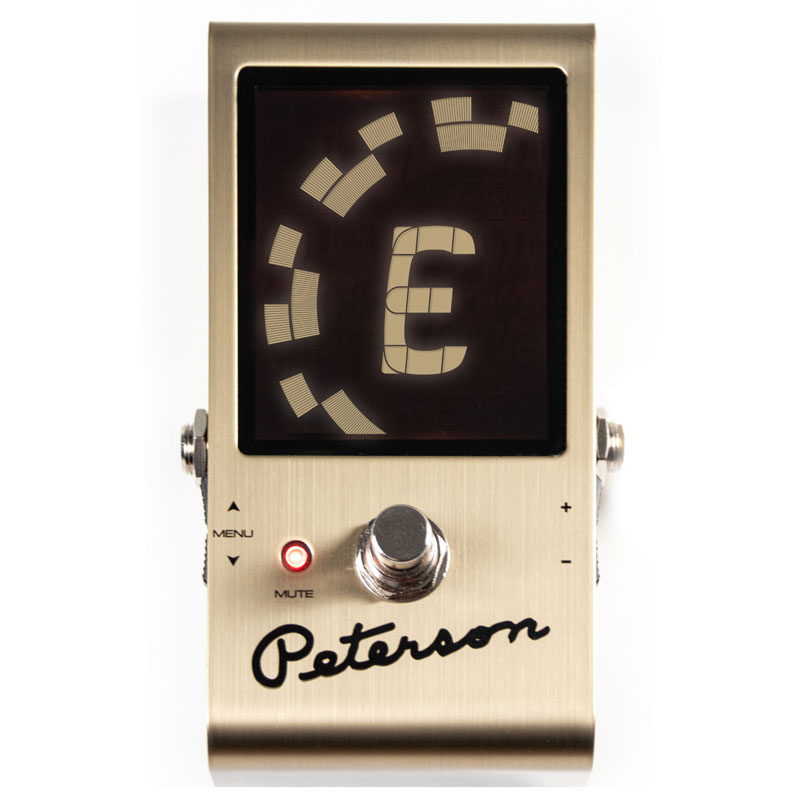
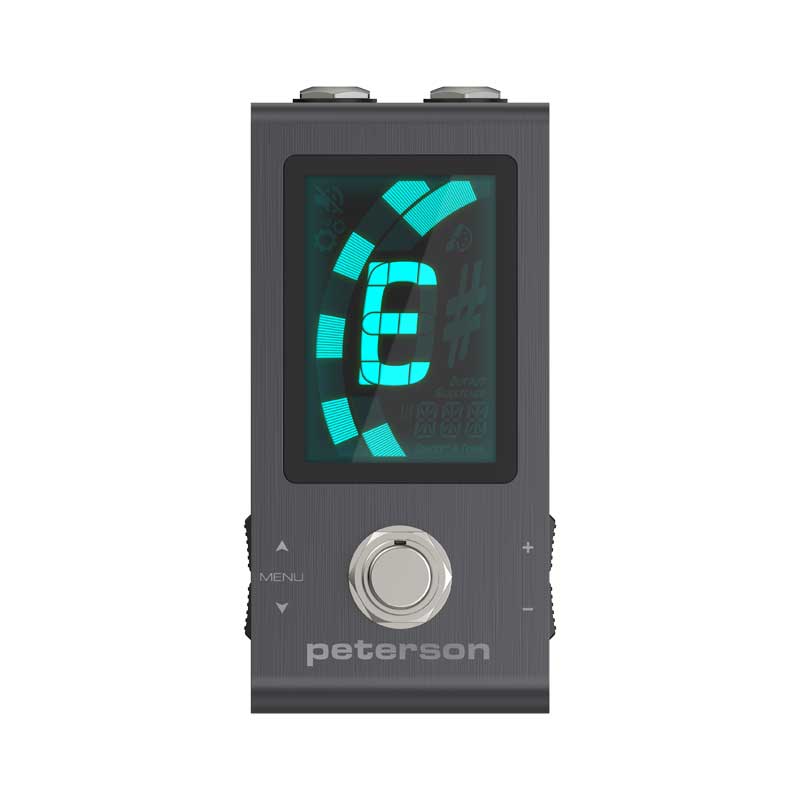
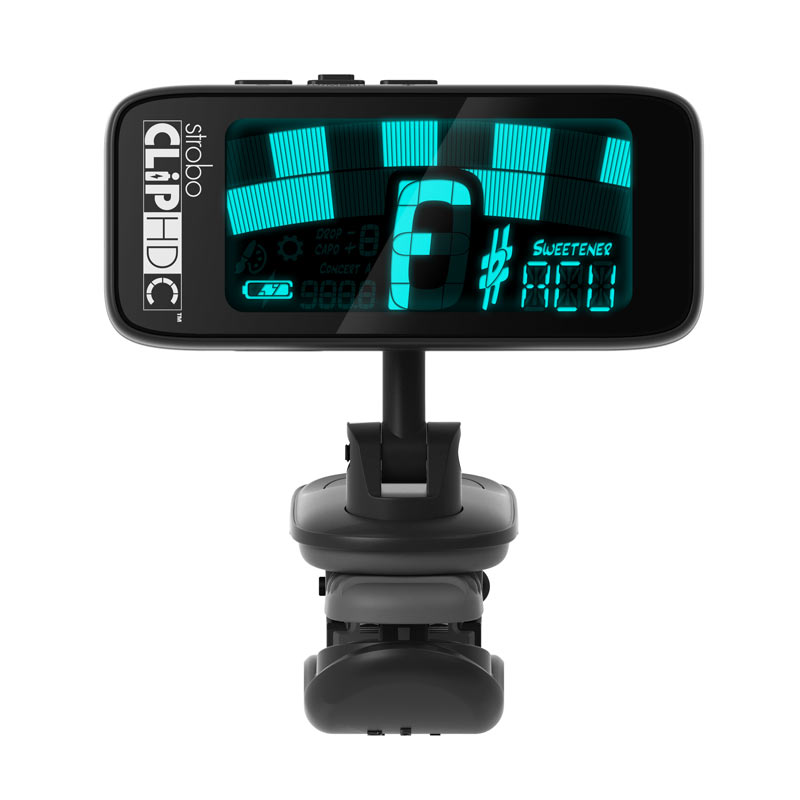
Which Peterson products work with Peterson Connect?
- StroboClip HDC
- StroboStomp Mini
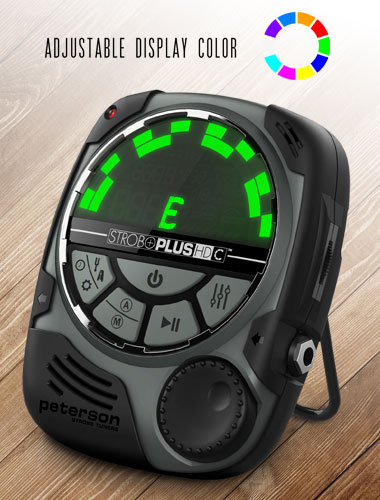
- StroboPLUS HDC
- StroboClip HD
- StroboStomp HD
- StroboStomp LE
- StroboPLUS HD
- Stomp Classic Pedal Tuner / Active DI
Was this helpful?
Help others find this information sooner.
How accurate is my StroboVUE?
Was this helpful?
Help others find this information sooner.
I often tune my acoustic instrument in a loud environment. What's available to help with that?
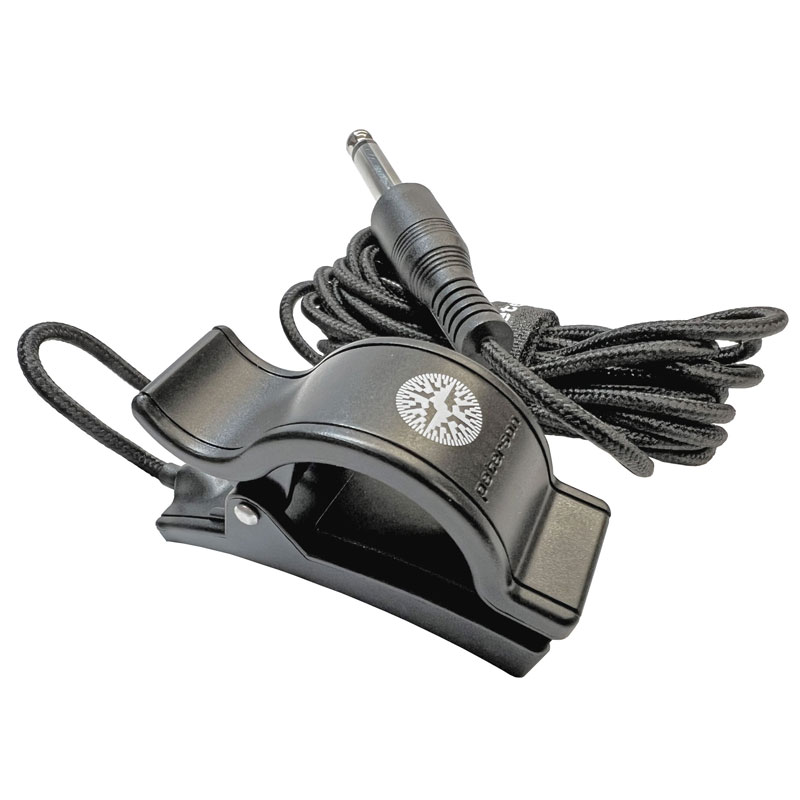
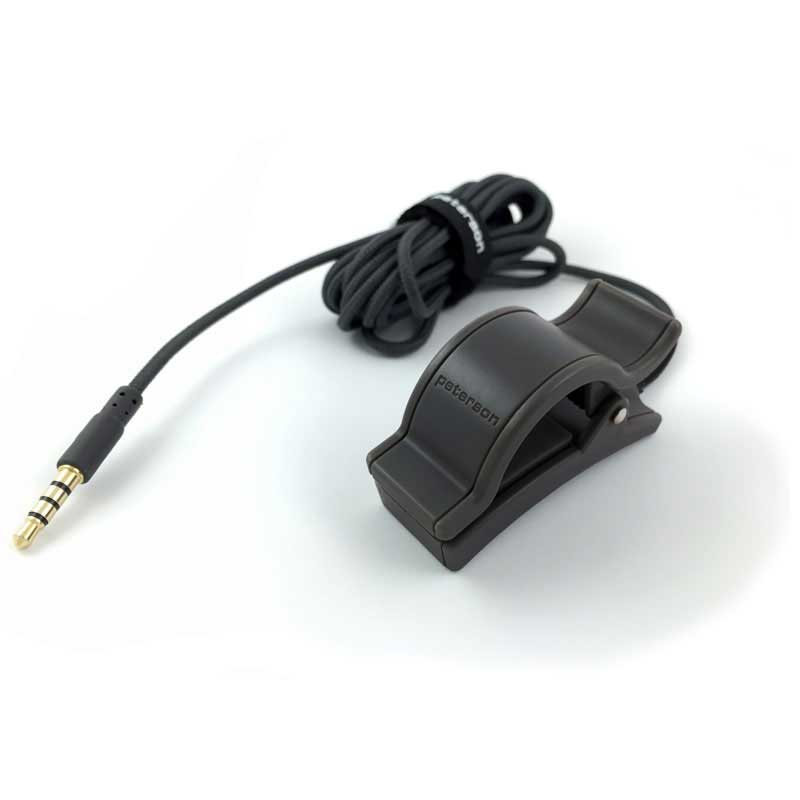
A Peterson TP-3 clip-on tuning pickup is a very versatile device with a 1/4" connector that can be clipped onto any portion of the instrument that vibrates, such as the headstock of a guitar or the bell or lead pipe of a horn.
A Peterson Pitch Grabber Mobile Tuning Clip utilizes a 1/8" connector for use in mobile phones or tablets with software tuners.
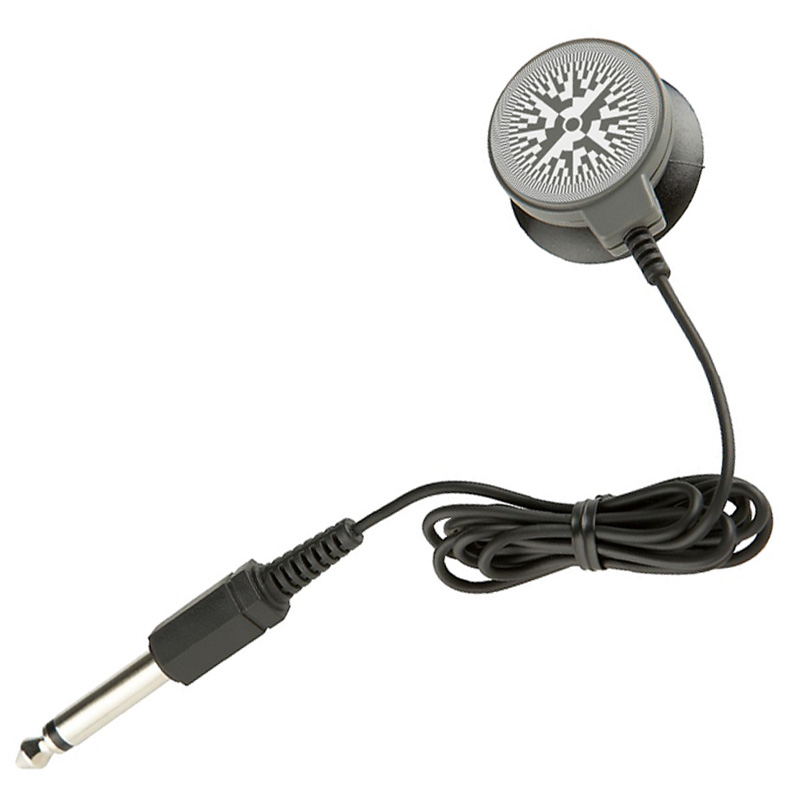
For instruments with a flat resonating surface, you can use a suction cup tuning pickup to reduce ambient noise interference.
Was this helpful?
Help others find this information sooner.
How do I send my product in for repair?
If you have not registered your tuner, you must do so before opening your support ticket.
All products returned for service must have a support ticket number on the outside of the box as well as on the accompanying paperwork on the inside of the box.
We strongly recommend shipping with tracking information and insurance. Peterson Electro-Musical Products, Inc., and subsidiaries thereof, are not responsible for lost packages in transit to our repair facility.
Include a description of your problem in both your support ticket and paperwork included with your product. Please be specific about the type of malfunction as well as the conditions under which it occurs. Include your name, address, phone number, and email address on the accompanying paperwork.
There is a minimum charge of $95.00 US plus return shipping charges for all Mechanical Peterson tuners received and a minimum charge of $48.00 US plus return shipping charges for all LCD Peterson tuners (unless subject to Peterson warranty). If you would like an advance estimate for service, you must include a request in writing with the product you ship. If you choose not to have your product repaired, there is a $48 diagnostic charge plus return shipping.
Payment options include PayPal, VISA, MasterCard, AMEX and Discover Card.
Any balance is due within 30 days of the completion of the repair. After 30 days, a storage fee will be charged. After 90 days, your property will be considered abandoned and will disposed of at our discretion.
For international (non-USA) repairs and for all Conn and Node tuner repairs, please open a support ticket as different procedures may apply.
Contact and Shipping Details:
For service of Peterson tuners:
Peterson Electro-Musical Products, Inc. Attn: Tuner Repairs 11601 South Mayfield Ave. Alsip, IL 60803 USA TEL: 708-388-3311 (ext. 143) FAX: 708-388-3341 Email: techwest@petersonemp.com
Was this helpful?
Help others find this information sooner.
Which browsers support Peterson Connect?
Peterson Connect will not function in Safari. Custom Configuration, Sweetener Design, and Tempo Map designer will function in Safari, but Safari does not support webHID therefore data transfer to your device is not possible.
Was this helpful?
Help others find this information sooner.
What should I do if my new Peterson product doesn't seem to work properly?
Was this helpful?
Help others find this information sooner.
What is the range of Hz calibration or Concert A calibration of my StroboVUE?
Was this helpful?
Help others find this information sooner.
Windows 10/11 presents "USB device can't be recognized" error when I plug in my tuner.
A restart of your computer will usually solve this issue.
After your computer powers off, restart your computer, plug in your tuner, and the USB drivers should install automatically.
Was this helpful?
Help others find this information sooner.
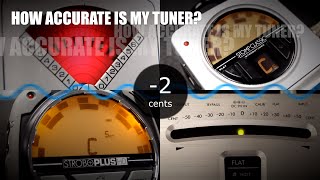
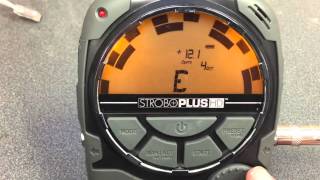
How do I find out how far out of tune my guitar is in cents?
The following video shows this process using a StroboPLUS HD.
Was this helpful?
Help others find this information sooner.
I've registered my product warranty but it's not showing up in the list of products that I can configure.
Was this helpful?
Help others find this information sooner.
Not finding an answer? Open a support ticket for personalized support of your Peterson product.
Product Manuals
Not finding an answer? Open a support ticket for personalized support of your Peterson product.
Firmware History
StroboVUE Version 1.0.02
Tuesday, October 6, 2026 11:04:40 PM EDT
- Various bug fixes and improvements
- Support for additional custom octave names “P” and “L”
StroboVUE Version 1.0.01
Tuesday, September 30, 2025 3:20:04 PM EDT
- First production release