0
0
0
0
Log In to PetersonTuners.com
Send me a password reset link.
0
0
Your Cart - 0 Items
Peterson Connect
Your Peterson products may have additional functionality via Peterson Connect.
Currently, Peterson Connect is only available within the Google Chrome, Opera, Vivaldi, Brave and Microsoft Edge browsers.
Install Peterson Connect
In order to use the advanced features of your Peterson Connect product, you will need to install an additional feature for Google Chrome.
By installing the Peterson Connect app for Google Chrome, you will allow the Peterson website to read and write data to Peterson devices through your computer's USB port.
This app will work inline with the Peterson website and does NOT launch independently.
USB Device Detected
Chrome has detected your Peterson USB product and is connecting to the Peterson servers.
Your Support Tickets
You do not have any open support tickets.
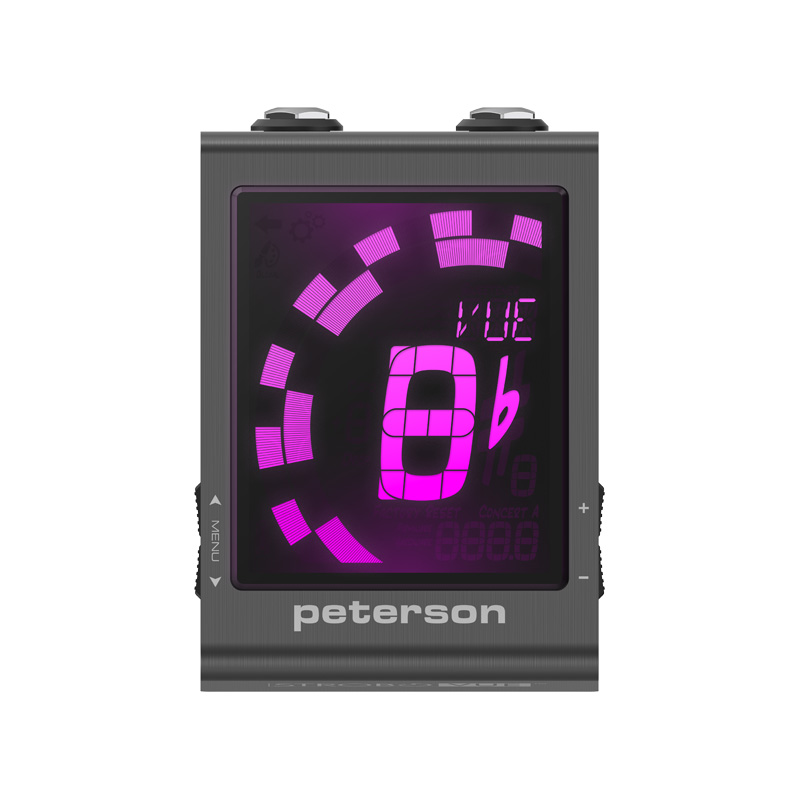
StroboVUE Review
Verified Purchase
Once registration was done, connecting the device to the web interface using the included USB cable worked very smoothly and ended up being much easier than the usual “press this while holding that” setup process.
Since the device offers a lot of features, some setup complexity is probably unavoidable. For my use, the difference between EQU and the Bass Sweetener tuning was pretty subtle, so I’ve mostly left it on EQU for general playing.
One unexpected note: I actually found AI explanations more helpful than the included instructions when learning how everything worked. Not necessarily a dealbreaker—just part of modern technology these days.
Other StroboVUE Reviews